
If you’ve managed a WordPress website for any length of time, you already know updates are part of the deal. Core updates, plugin updates, theme updates. Click, wait, done… until it’s not.
Most conversations about updates focus on the obvious risks: a broken layout, a plugin conflict, or a temporary outage. Those are frustrating, sure. But they’re not the real problem.
The real cost of a bad WordPress update is quieter, slower, and often goes unnoticed until it’s already impacting your business.
Let’s dig into what that actually looks like.
It’s Not Just a “Broken Site” Problem
When an update goes wrong, people expect something dramatic. A white screen. Missing content. A clear signal that something’s off.
But in many cases, nothing looks broken at first glance.
Instead, you get subtle issues:
- Forms stop sending submissions
- Tracking scripts quietly fail
- Page speed drops just enough to matter
- Mobile layouts shift slightly out of place
A plugin feature may stop working without affecting the rest of the page. A notification may no longer reach you. A page may look fine on your desktop but have a spacing or functionality issue on mobile.
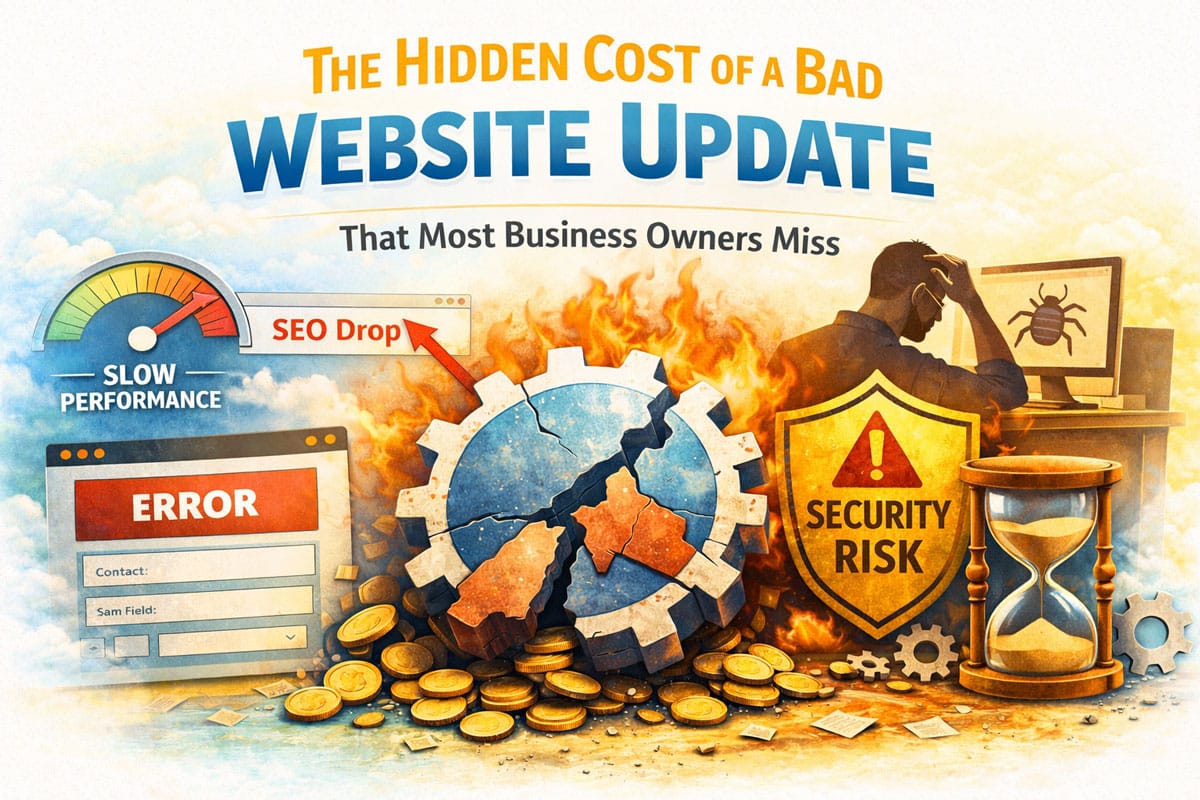
Individually, these seem minor. Together, they start costing you leads, visibility, and credibility.
And that’s what makes these problems particularly dangerous. You may check your website, see that it loads normally, and assume everything is fine. Meanwhile, an important function could already be failing behind the scenes.
Hidden Cost #1: Lost Leads You Never Knew About
This is the biggest one.
If your contact form, booking system, or checkout flow breaks after an update, there’s a good chance you won’t notice right away. Visitors don’t usually report issues, they just leave.
That means:
- No emails
- No calls
- No inquiries
From your perspective, things just “feel slow.” In reality, your website might be turning people away silently.
You may assume it’s a slow week, seasonal demand, or simply that fewer people are looking for your services. If you normally receive only a few inquiries a week, a broken form might not immediately stand out.
And unlike a visible website error, a lost lead usually leaves no evidence behind. You don’t know who tried to contact you, what they were looking for, or how many potential customers gave up.
Tracking Can Make the Problem Even Harder to Spot
If your analytics or conversion tracking is also affected by the update, you may not even have accurate data showing that something changed. Instead of seeing a clear drop in conversions and investigating, you may simply see less activity.
Hidden Cost #2: SEO Damage That Builds Over Time
Search engines don’t care that an update caused the problem.
If your site suddenly:
- Loads slower
- Returns errors
- Loses structured data
- Breaks internal links
…your rankings can start to slip.
Other technical changes can also create SEO problems, such as important content becoming inaccessible, page elements being removed or altered, or functionality that search engines rely on no longer working correctly.
And here’s the frustrating part: even after you fix the issue, it can take weeks or months to recover.
A single bad update can undo months of steady SEO progress.
Not every update-related problem will cause an immediate ranking drop, which makes this particularly easy to overlook. SEO performance tends to change gradually, and a technical issue may become just one more factor working against your site.
That’s why catching problems early matters. Fixing a technical issue before it affects search visibility is considerably easier than trying to determine why rankings or organic traffic declined after the fact.
Hidden Cost #3: Security Gaps (Yes, Even After Updating)
Updates are supposed to improve security. But when something fails mid-update or creates a conflict, it can actually expose vulnerabilities.
Common scenarios include:
- A plugin partially updating and leaving outdated files behind
- Compatibility issues that disable security features
- Admin access or permissions behaving unpredictably
It’s not just about being “up to date.” It’s about being properly updated.
A website can show that everything is current while still having an underlying problem that needs attention. That’s why simply checking for available updates isn’t the same as actually maintaining a website.
Security issues are also something you want to catch proactively. The goal is to identify an update problem, compatibility issue, or unexpected behavior before it becomes a much larger problem.
Hidden Cost #4: Performance Drops That Hurt Conversions
Not all update issues are obvious bugs. Sometimes it’s performance.
A plugin update might:
- Add heavier scripts
- Conflict with caching
- Increase server load
It can also change how files are loaded or introduce additional functionality that your website doesn’t necessarily need.
Even a 1–2 second delay can impact how users interact with your site. Slower pages mean fewer conversions, plain and simple.
You may not notice a performance change yourself, especially if you’re checking the website on a fast computer and reliable internet connection. Your visitors may have a very different experience, particularly on mobile devices or slower connections.
A website doesn’t have to become painfully slow to create a problem. A small increase in load time can be enough to make the site feel less responsive and make visitors less likely to stick around.
Hidden Cost #5: Time Spent Troubleshooting (and Second-Guessing)
Even if you catch the issue quickly, now you’re stuck:
- Rolling back updates
- Testing plugins one by one
- Contacting support
- Wondering what else might be affected
If several plugins, your theme, and WordPress itself were updated at the same time, figuring out which change caused the problem becomes much more difficult.
That time adds up, especially if you’re not technical or juggling other responsibilities.
And if you’re managing a client site, the pressure is even higher.
There’s also an opportunity cost. Every hour spent figuring out why a website stopped working is an hour you’re not spending on customers, projects, marketing, or actually running your business.
For a business owner, “I’ll just fix it myself” can quickly turn into hours of searching for answers, testing different solutions, and trying to determine whether you’ve actually fixed the problem or simply created another one.
Hidden Cost #6: Damage to Customer Trust
A website doesn’t have to be completely down to make a poor impression.
A broken contact form, missing images, strange formatting, outdated-looking elements, or a checkout problem can make visitors question whether the business is active or reliable.
Visitors don’t know that a plugin update caused the problem. They simply see a website that isn’t working the way it should.
For businesses that rely on their website as a first point of contact, even small problems can affect how potential customers perceive the company.
Hidden Cost #7: Problems Can Spread Beyond Your Website
Your WordPress website may be connected to much more than the website itself.
It might integrate with:
- Email marketing platforms
- Customer relationship management systems
- Scheduling software
- Payment processors
- Analytics and advertising platforms
- Membership or subscription systems
An update can affect one of these connections even when the website itself appears to be working normally.
For example, a form may still display correctly but stop sending information to your CRM. An analytics script may stop recording conversions. A payment integration may fail while the rest of the site looks perfectly fine.
The more systems your website connects to, the more important it becomes to test the functions that actually matter to your business.
Why This Keeps Happening
WordPress is flexible, which is great. But that flexibility comes from a mix of:
- Core software
- Third-party plugins
- Themes from different developers
They’re not always tested together in your exact setup.
So when you click “update all,” you’re essentially hoping everything still plays nicely afterward.
Sometimes it does. Sometimes it doesn’t.
How to Avoid the Hidden Costs
You don’t need to fear updates, but you do need a better process.
Here’s what actually helps:
1. Never Update Blind
Avoid bulk updating everything at once without checks. Update in smaller batches so you can isolate issues quickly.
2. Use Backups (and Test Them)
A backup is only useful if it works. Make sure you can restore your site quickly if needed.
3. Test Key Functionality After Updates
Don’t just look at the homepage. Check:
- Forms
- Checkout or booking flows
- Mobile experience
- Page speed
4. Use a Staging Environment
If possible, test updates on a staging version of your site before pushing them live.
5. Keep Track of What You Changed
Knowing what was updated and when can make troubleshooting much easier. If something breaks on Tuesday and you know that several plugins were updated Monday, you immediately have a starting point.
6. Monitor, Don’t Assume
Set up basic monitoring for uptime, form submissions, and performance so issues don’t go unnoticed.
A website can be technically “up” while an important feature is broken. Monitoring gives you another way to catch problems that wouldn’t necessarily be obvious from simply visiting the homepage.
What Good WordPress Maintenance Looks Like
Good maintenance isn’t about constantly changing things. It’s about making changes in a controlled way and paying attention to what happens afterward.
Before an update, you want to know that your website is backed up and that there aren’t any obvious issues already present. After the update, you want to verify that important functions still work. And afterward, you want to keep an eye out for problems that may not show up immediately.
That turns WordPress updates from a simple “click and hope” task into a manageable maintenance process.
The Real Takeaway
The biggest risk with WordPress updates isn’t that something breaks. It’s that something quietly stops working and you don’t realize it until it’s already cost you time, leads, or rankings.
That’s the part nobody talks about.
Updates aren’t just maintenance, they’re a moment where your entire website can shift, for better or worse. Treat them with a little more intention, and you avoid a lot of unnecessary headaches down the road.
The goal isn’t to avoid WordPress updates. Updates are necessary. The goal is to make sure those updates don’t quietly interfere with the things your website is supposed to do.
Because keeping WordPress current is only one part of website maintenance. The bigger job is making sure your website continues to work for your business.
All Your Website Needs in One Place
Design, development, tune-ups, management, and digital marketing consultations all aimed at growing your business online.
Get Started Today